
Video editing apps have become essential tools for creators, businesses, and everyday users. Today, people rely on these apps to produce social media clips, YouTube videos, ads, and even short films. Thanks to powerful mobile and desktop software, professional-quality editing is now available to everyone. In this article, we explore the best and most popular video editing apps, explaining what makes each one unique and useful for different types of creators.
About Best Video Editing Apps
The best video editing apps combine ease of use with powerful tools. Apps like CapCut, InShot, and KineMaster are perfect for social media creators who need fast results and trendy effects. At the same time, advanced tools such as DaVinci Resolve and LumaFusion offer professional features like color grading, multi-track timelines, and advanced audio control.
Meanwhile, apps like Filmora and PowerDirector strike a balance between simplicity and professional power. Adobe Premiere Rush focuses on fast workflows across devices, while Canva simplifies video creation for marketing and design users. Because each app targets a different audience, the best choice depends on your goals. Whether you are creating TikTok, Instagram, WhatsApp clips, YouTube videos, or professional projects, there is a video editor designed to match your workflow and skill level.
Best 10 Video Editing Apps 2026
The top 10 video editing apps for PC, Android, iOS, and macOS were selected based on numerous factors, including ratings, features, and user reviews. Below, we’ll review the 10 best video editing apps 2026, along with some important details about each app.
InShot
InShot is one of the most popular mobile video editors for social media creators. It focuses on simplicity, speed, and creative tools. Users can quickly trim clips, add music, apply filters, and insert text with just a few taps. As a result, it is widely used for Instagram, TikTok, and YouTube Shorts. InShot also includes canvas resizing, which helps creators match different platform ratios. This makes content distribution much easier and more efficient.
Beyond basic editing, InShot offers transitions, stickers, speed control, and voice effects. These features help creators add personality to their videos without complex timelines. Although it is not a professional desktop editor, it is extremely reliable for quick edits. Therefore, InShot is ideal for influencers, small businesses, and casual users who want polished videos in minutes.
App Info:
- Developer: InShot Inc.
- Release Date: 2014.
- Platforms: Android, iOS.
Video Star
Video Star is one of the best video editing apps for iPhone. Also, it is a creative video editing app designed mainly for music videos and visual effects. It allows users to sync video with music using advanced beat tools. This makes it especially popular among young creators and fan editors. With chroma key, layering, and motion effects, users can create eye-catching edits that stand out on social platforms.
Also, Video Star includes keyframe animation and preset effects. These tools give creators more control over motion and timing. While it has a learning curve, it rewards creative users with unique results. Therefore, Video Star is best for editors who enjoy experimental visuals and music-based projects.
App Info:
- Developer: Frontier Design Group.
- Release Date: 2013.
- Platforms: iOS.
KineMaster
KineMaster is a powerful mobile editor that brings desktop-style tools to smartphones. It supports multiple video layers, blending modes, and precision trimming. Because of this, it is widely used by YouTubers and mobile filmmakers. The interface is clean, yet it offers deep control over clips and effects.
In addition, KineMaster includes chroma key, speed ramps, and professional audio tools. These features make it suitable for more advanced projects. While it uses a subscription model for full features, it remains one of the strongest mobile editors available. As a result, it is trusted by millions of creators worldwide.
App Info:
- Developer: KineMaster Corporation.
- Release Date: 2013.
- Platforms: Android, iOS.
PowerDirector
PowerDirector is one of the best video editing apps for macOS. It is known for delivering fast performance combined with advanced editing tools. It has a long history on desktop and later expanded to mobile platforms. The software focuses on speed, which helps users render and export videos quickly. It includes a wide range of transitions, templates, and effects that simplify the editing process. This makes it suitable for beginners who want professional-looking results without spending too much time learning complex systems.
At the same time, PowerDirector Pro offers advanced features such as motion tracking, 4K video support, and AI-powered tools. These capabilities help users create polished and modern videos for YouTube, business, and marketing purposes. Because it is available on both desktop and mobile, users can maintain flexible workflows. As a result, PowerDirector is a strong choice for editors who want speed, power, and cross-platform support in one solution.
App Info:
- Developer: CyberLink.
- Release Date: 2001.
- Platforms: Windows, macOS, Android, iOS.
Wondershare Filmora
Wondershare Filmora is designed to make video editing accessible to a wide audience. Its drag-and-drop interface helps beginners feel comfortable while editing. The software includes a large library of effects, transitions, and titles that can be applied with just a few clicks. This allows users to create attractive videos without deep technical knowledge. Filmora also supports multiple video formats, which makes it useful for different types of projects.
In addition to simplicity, Filmora offers tools such as color correction, motion tracking, and keyframe animation. These features allow users to grow into more advanced editing over time. This balance between ease and power makes Filmora popular with YouTubers, teachers, and small business owners. Therefore, Filmora is often seen as a bridge between beginner editors and more professional software.
App Info:
- Developer: Wondershare.
- Release Date: 2015.
- Platforms: Windows, macOS, Android, iOS.
CapCut
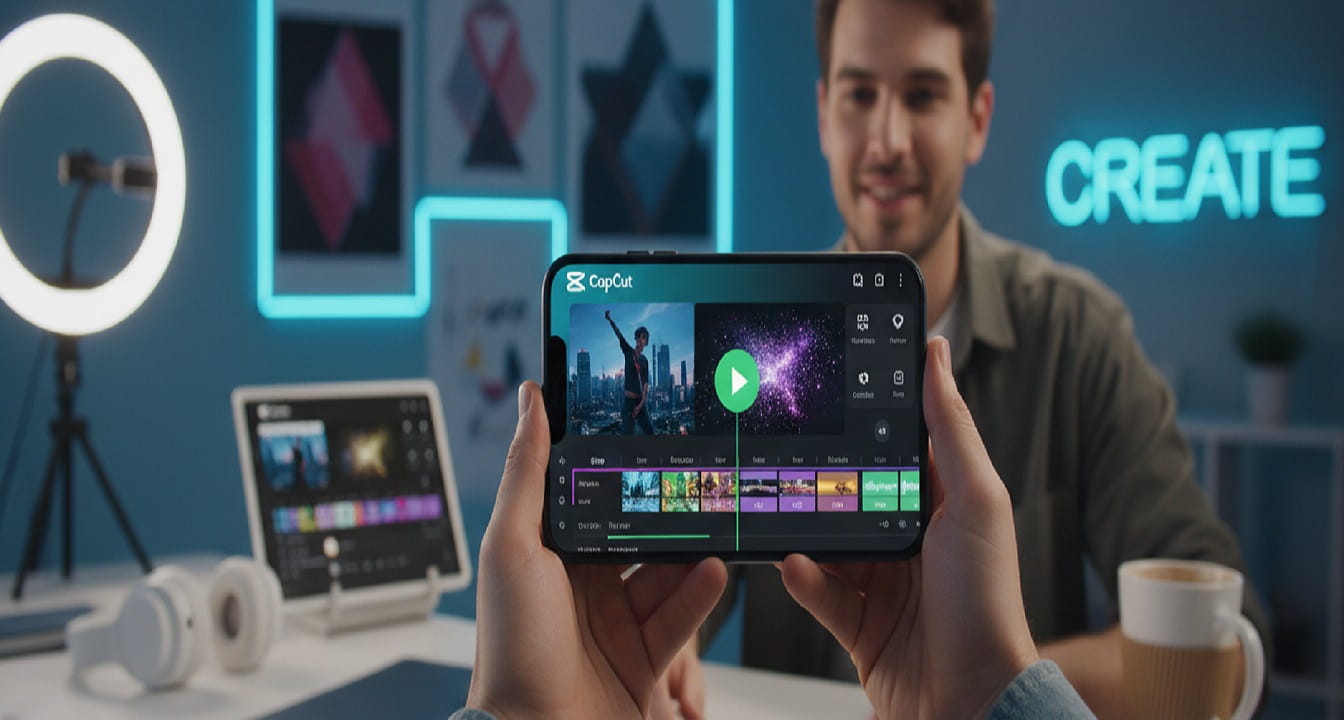
CapCut is one of the best video editing apps for Android. It has become one of the most influential video editing apps for short-form content. It is strongly connected with modern social media trends. The app provides ready-made templates that allow users to create stylish videos in seconds. These templates are especially popular for TikTok and Instagram Reels. CapCut also includes auto-captions and smart text tools, which help creators save time while improving accessibility.
Furthermore, CapCut offers background removal, filters, transitions, and AI-powered effects. These tools allow users to produce professional-looking content without advanced editing knowledge. Because many features are free, the app has attracted a massive global audience. As a result, CapCut is often considered one of the best choices for creators who focus on viral and trend-driven video content.
App Info:
- Developer: ByteDance.
- Release Date: 2019.
- Platforms: Android, iOS, Windows, macOS, Web.
Adobe Premiere Rush
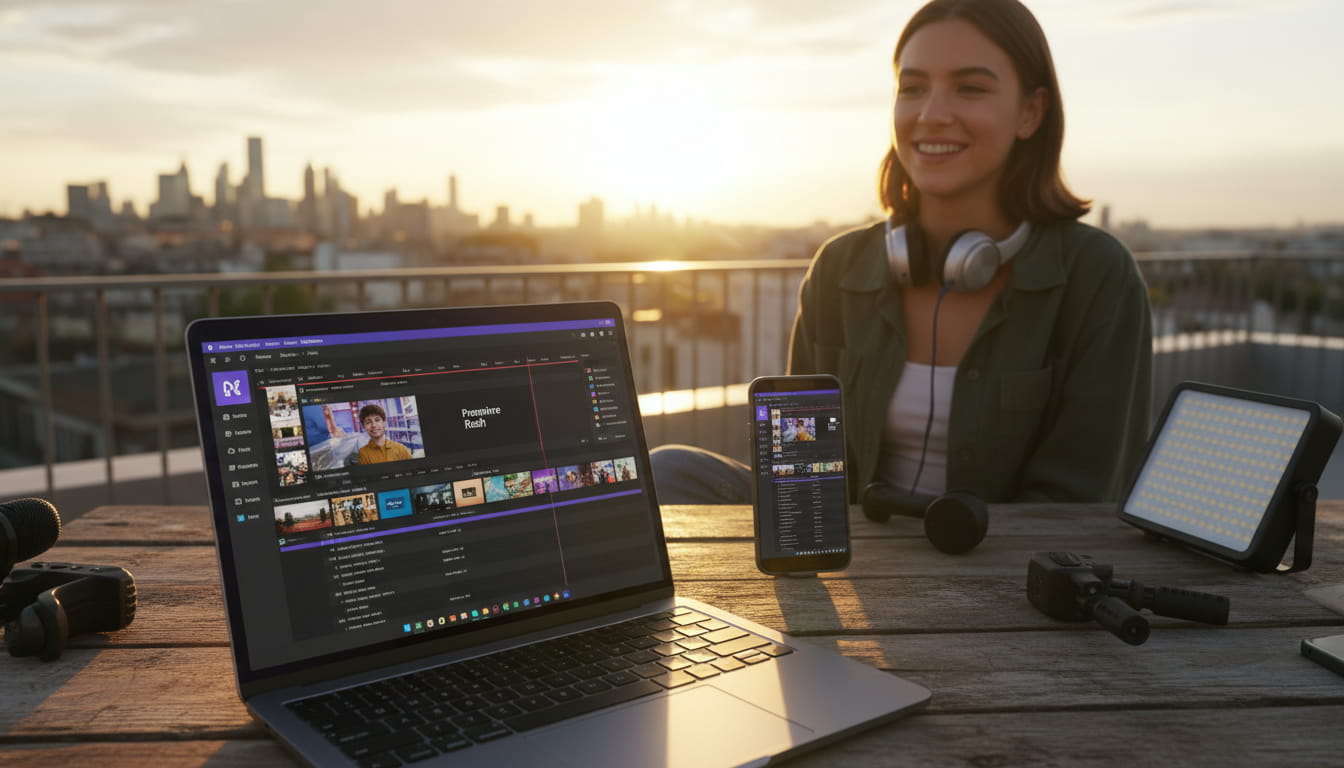
Adobe Premiere Rush is built for speed and simplicity. Also, this app is one of the top 10 video editing apps for iOS. It allows users to edit videos quickly across multiple devices. Projects can be started on a smartphone and continued on a desktop computer. This makes it ideal for creators who work while traveling or filming on location. The interface is clean and focuses on essential tools, which helps users stay productive.
Adobe Premiere Rush also integrates with Adobe Creative Cloud, making it easy to move projects into Premiere Pro for more advanced editing. While it does not include all professional features, it is very effective for fast content creation. Therefore, Adobe Premiere Rush is best suited for vloggers, social media managers, and content creators who value speed and cloud-based workflows.
App Info:
- Developer: Adobe.
- Release Date: 2018.
- Platforms: Windows, macOS, Android, iOS.
DaVinci Resolve
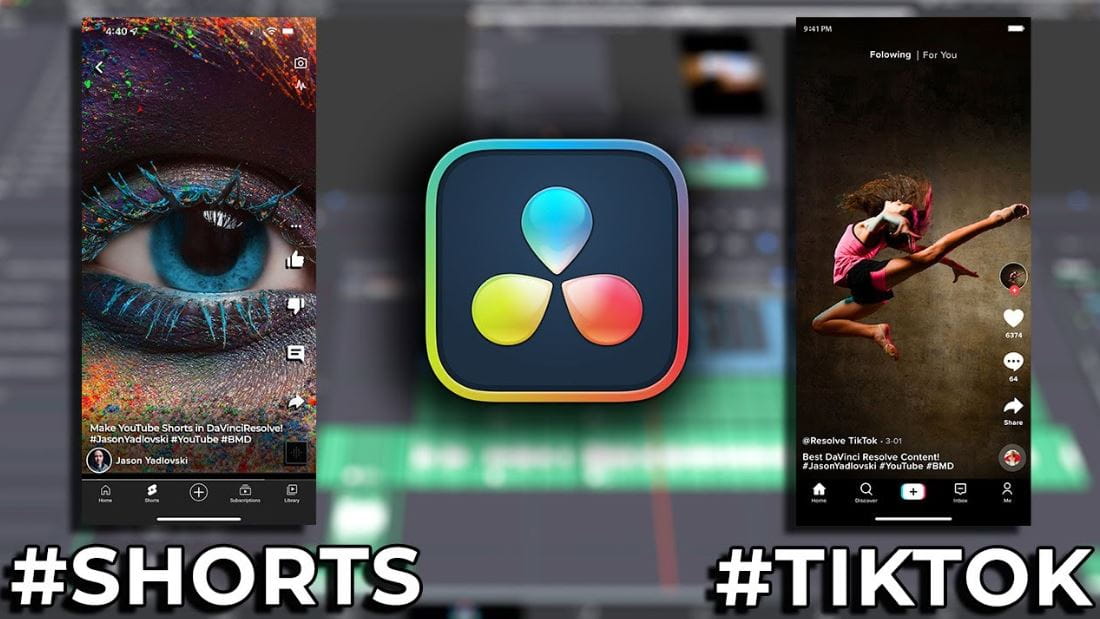
DaVinci Resolve is a professional video editing and color grading software used in film and television production. It is especially famous for its advanced color correction tools. Editors can fine-tune color, contrast, and exposure with extreme precision. This makes it a top choice for cinematic projects and professional studios. Even the free version includes many high-end features.
In addition to editing and color, DaVinci Resolve includes powerful audio tools and visual effects. It also supports collaborative workflows for teams. Because of its depth and professional reputation, it is widely respected in the industry. Therefore, DaVinci Resolve is ideal for serious creators who want full control over post-production in one complete platform.
App Info:
- Developer: Blackmagic Design.
- Release Date: 2004.
- Platforms: Windows, macOS, Linux, iPadOS.
LumaFusion
LumaFusion is one of the best video editing apps for iPad. Moreover, it is considered one of the most advanced video editing apps for mobile devices in general. It is widely used by journalists, filmmakers, and professional mobile creators. The multi-track timeline allows users to manage complex projects directly on tablets and phones. This gives users desktop-level control in a mobile environment.
LumaFusion also includes color correction, keyframing, and detailed audio mixing. These tools make it suitable for real-world production work. Because of its reliability and performance, it is often used in professional field editing. As a result, LumaFusion stands out as a top-tier mobile editing solution.
App Info:
- Developer: LumaTouch.
- Release Date: 2016.
- Platforms: iOS, Android (beta), macOS.
Canva
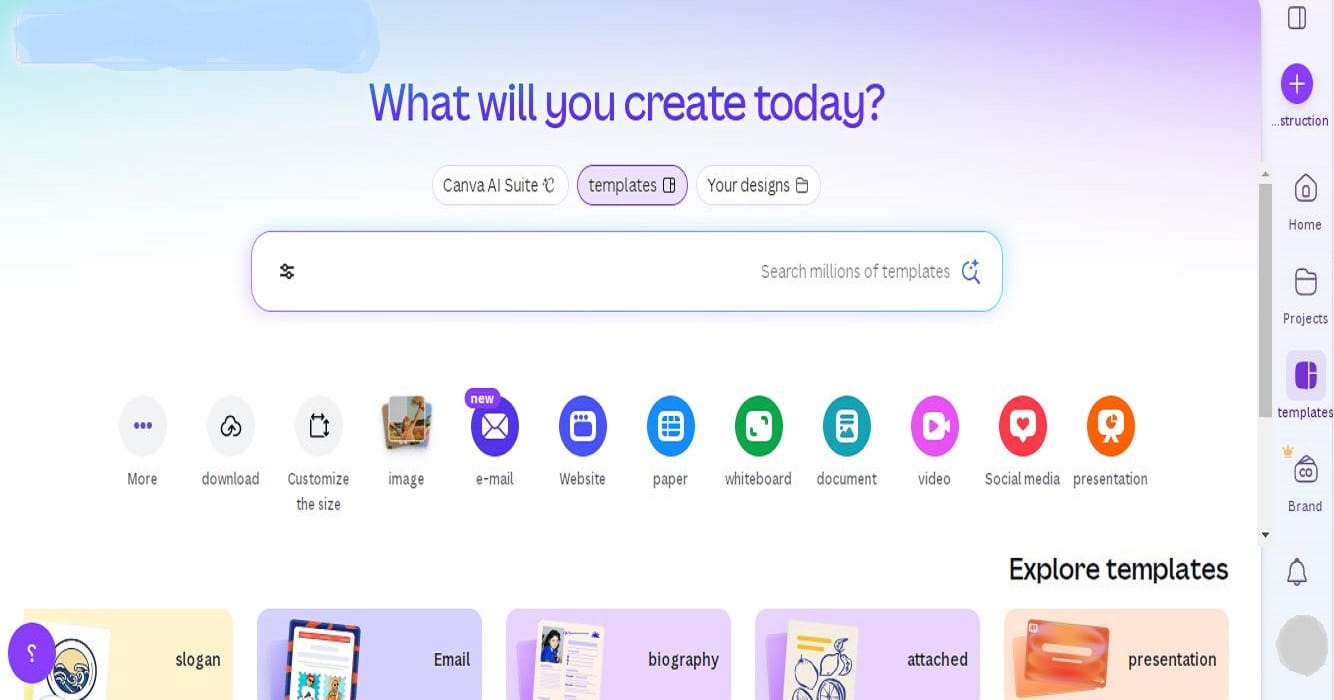
Canva is primarily known as a graphic design platform, but it also offers simple and effective video editing tools. The platform focuses on templates, making it easy for users to create marketing and social media videos. Users can drag and drop elements, text, and animations into their projects. This helps non-designers produce professional-looking content quickly.
Canva’s video editor also includes access to stock videos, music, and animated graphics. While it does not offer deep timeline editing, it is excellent for fast branded content. Therefore, Canva is ideal for businesses, educators, and marketers who want simple video creation without technical complexity.
App Info:
- Developer: Canva Pty Ltd.
- Release Date: 2013.
- Platforms: Web, Windows, macOS, Android, iOS.
Features of Best Video Editing Apps
- AI Smart Editing & Automatic Story Building: Apps automatically analyze clips, detect key moments, and build a clean story structure. This removes boring parts and creates a smooth timeline with minimal user input.
- Text-to-Video Generation: Users can type a short idea or script, and the app creates a complete video with scenes, transitions, and music. This is ideal for fast content production and marketing videos.
- Real-Time Auto Captions & Subtitle Styling: Captions are generated instantly with high accuracy. Users can customize fonts, colors, animations, and layouts to match different platforms and brand styles.
- One-Tap Background & Object Removal: Editors remove backgrounds and unwanted objects without green screens. This allows creators to change environments or clean shots with a single tap.
- AI Audio Enhancement & Voice Isolation: Noise, echo, and low-quality sound are fixed automatically. Voices are enhanced for clarity, while background sounds are balanced for professional audio quality.
- Smart Auto Reframing for All Platforms: Videos are automatically resized and reframed for vertical, square, and horizontal formats. The main subject stays centered for social media publishing.
- Generative Visual Effects & Scene Expansion: Apps can generate new visual elements and extend scenes using AI. This helps fill gaps and create richer visuals without extra filming.
- Cloud Sync & Cross-Device Editing: Projects sync across phones, tablets, and desktops. Users can start editing on one device and continue on another without losing progress.
- AI Clip Extraction & Short-Form Optimization: Long videos are scanned to find the best moments. The app automatically creates short clips optimized for engagement and sharing.
- Smart Templates & Brand Consistency Tools: Editors offer intelligent templates that adapt to content. Logos, colors, and fonts stay consistent across all videos for a strong brand identity.
Summary
This article explores the best video editing apps of 2026, highlighting how modern tools make professional-quality editing accessible to everyone. It compares popular mobile and desktop apps such as InShot, CapCut, KineMaster, Filmora, PowerDirector, Adobe Premiere Rush, DaVinci Resolve, LumaFusion, Video Star, and Canva.
Each app is explained based on its strengths, target users, and key features. The article also covers major trends, including AI-powered editing, auto captions, background removal, smart reframing, and cloud syncing. Overall, it helps readers choose the right editor based on their goals, skill level, and preferred platforms.